


Spingreen login: How to sign in to your account
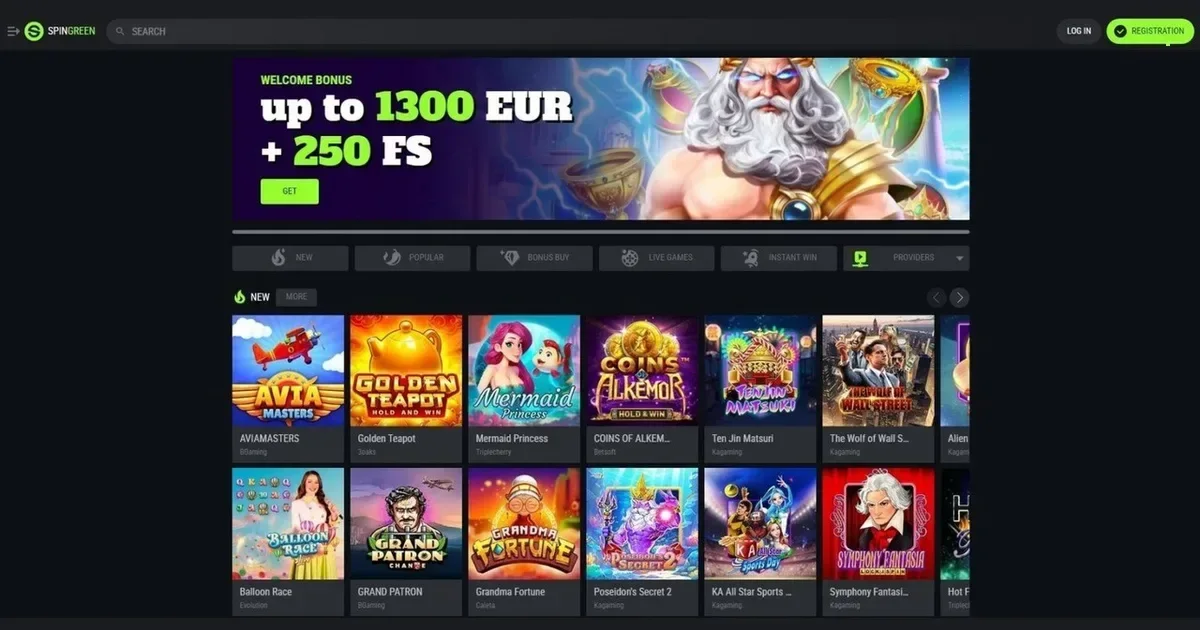
















Your Spingreen account lives at the operator's own platform, and only the operator can verify, restore or unblock it. This page explains how signing in works, what to do when it doesn't, and where to go for help.
Signing in at Spingreen
Here's the route to your account, step by step:
- Open the operator's site in your browser.
- Find and click the sign-in button.
- Enter the email address you used when registering.
- Enter the password you chose at registration.
- Confirm and you're in.
Don't have an account yet? Registration happens at the operator's site too.
The recovery path
Forgotten your password? The operator's platform includes a reset route. Look for a "Forgot password" or similar link near the sign-in button, enter your registration email, and the operator will send a reset link to that address. Follow the link, choose a new password, and you're back in.
If you no longer have access to the email address you registered with, contact the operator's support directly. They'll ask you to verify your identity before updating the registered email. You'll need details like your account registration date and the payment methods you've used.
When it does not work
Sign-in problems usually come down to a handful of causes. Here's what to check:
- Wrong credentials: Double-check your email and password. Copy-pasting avoids typos.
- Caps Lock on: Passwords are case-sensitive.
- Unverified account: If you haven't completed identity verification, the operator may restrict access. Check your inbox for verification instructions.
- Self-exclusion in force: If you've set a break, the block stays until the period ends. Contact support for details, but getting around it isn't an option.
- Browser session issue: Clear cookies and cache, or try a different browser.
- Inactive account fee: If your account has been inactive for twelve consecutive months, the operator charges €5 (or currency equivalent) per calendar month. A build-up of fees can lead to suspension.
Account restrictions
Access can be blocked for several reasons, most of them tied to verification or compliance. Here's what might be holding things up:
| Cause | What happens |
|---|---|
| KYC documents pending | When aggregate deposits exceed €2,000 or you request a withdrawal, full verification is compulsory. Upload ID, a selfie holding the ID, and a bank statement or utility bill. You get "Temporarily Approved" status – you can play but can't deposit more than €500 in total or complete any withdrawal until KYC is passed. |
| KYC not completed within 7 days | The account is temporarily suspended and an 8 EUR monthly fee is charged for the duration of the verification period. |
| Self-exclusion active | Access is blocked for the period you chose – from 1 day to forever, depending on what you set. No early reversal. |
| Restricted country | Players from the United States, France, Netherlands, Australia, United Kingdom, Spain, Cyprus, Austria, North Korea, Iran, Myanmar, Russian Federation, Ukraine, and Ontario (Canada) cannot register or access the platform. |
What signing in looks like on a phone
The operator's site works in any mobile browser – Safari, Chrome, Firefox – and you use the same account and password as on desktop. Open the site, tap the sign-in button, enter your credentials, and you're in. There's no separate mobile password and no need to register again.
Who to contact
Login problems, verification holds, or anything account-related go to the operator's support team at [email protected]. Before you write, have your registration email to hand, a note of when the problem started, and the exact message you're seeing on screen. The operator typically responds within 48 hours, though support hours aren't published.
Keeping access safe
A few habits keep your account secure. Sign in only at the operator's own address – typed into your browser or saved as a bookmark, never through a link in an email or message. Use a password you don't use anywhere else. On a shared device, sign out when you're done. If the operator offers two-factor authentication, turn it on.
Gambling is entertainment, not a chore. If it ever feels like the latter, help is available through GamCare (0808 8020 133, free, 24/7) and BeGambleAware. You must be 18 or over (18+) to hold an account.
This page is for information and marketing purposes only. We are not a casino operator, a bookmaker or an organiser of gambling. Access to this content is restricted to persons aged 18 and over (18+). We encourage you to gamble responsibly – for free, confidential support visit BeGambleAware.org.
Last updated:
Frequently asked questions
What do I need to sign in to my Spingreen account?
You need the email address you used when registering and the password you chose at that time. Open the operator's site, click the sign-in button, and enter both.
I've forgotten my password – how do I reset it?
Use the "Forgot password" link near the sign-in button. Enter your registration email, and the operator will send a reset link to that address. Follow the link to choose a new password.
Why can't I sign in after uploading verification documents?
Once you upload ID and supporting documents, you get "Temporarily Approved" status. You can play, but you can't deposit more than €500 in total or complete a withdrawal until the KYC Team reviews your documents, which takes up to 24 hours (up to 72 hours during holidays or weekends).
Can I sign in from my phone?
Yes. The operator's site works in any mobile browser, and you use the same account and password as on desktop. No separate mobile login exists.
Game Providers